
工作区边界
所有文件操作限制在指定工作区内;读取、写入与命令执行分别授权,越界路径一律拒绝。
v0.1.11 · 本地智能体工作台
指定工作区,用一句话描述任务。Bi 自主规划、执行,并交付可验收的代码、报告与文件;执行过程实时可见,权限逐项授权,任意一步可回退。
v0.1.11 · The local agent workbench
Point Bi at a workspace and describe the task in one sentence. It plans, executes and delivers results you can review — every step is visible, permissions are granted per action, and any step can be rolled back.
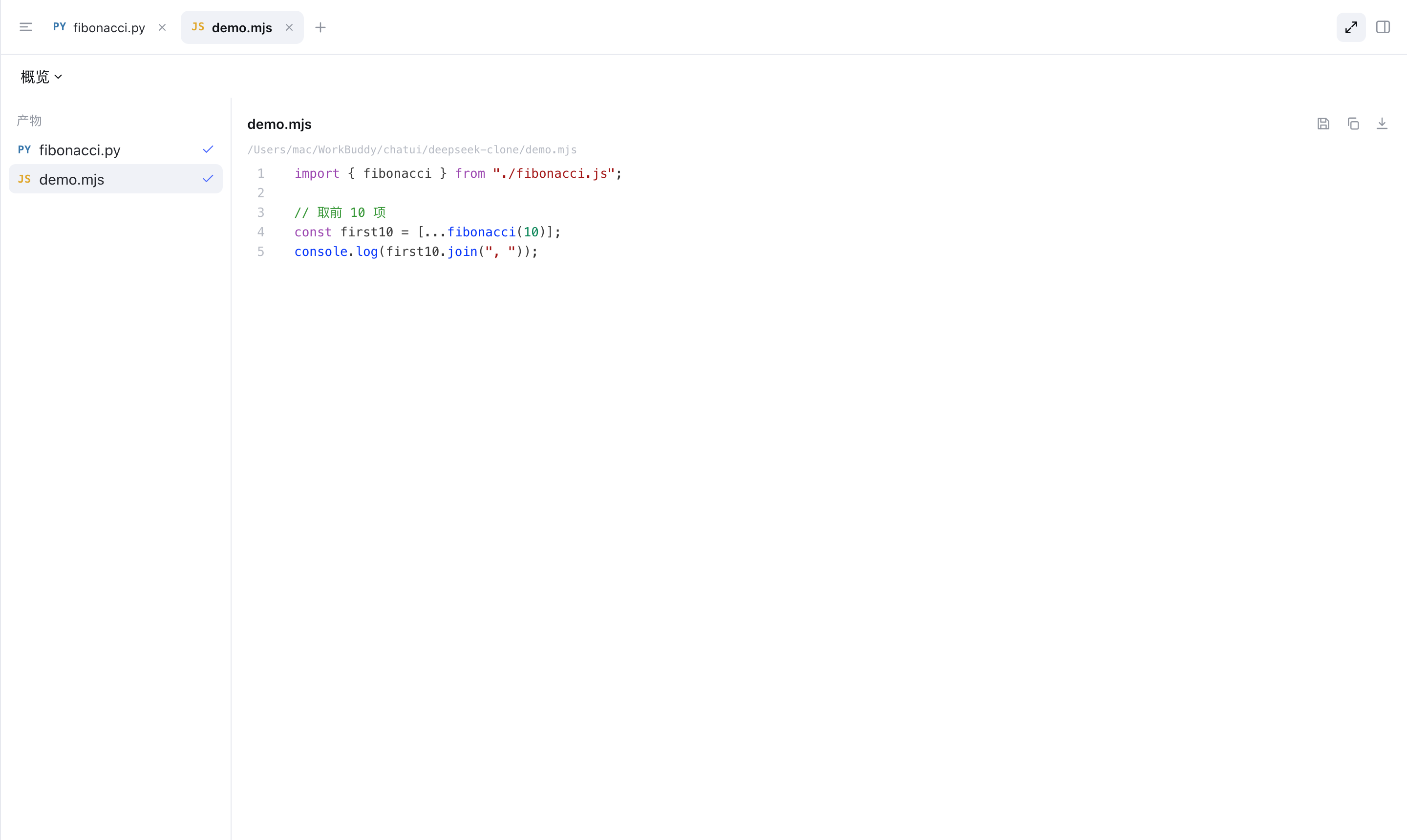
一次完整交付
无需编写提示词,也无需粘贴代码。指定工作区并描述目标,由 Bi 完成规划、执行与交付。
指定工作区,用一句话描述目标;无需编写提示词或粘贴代码。
读取的文件、执行的命令与改动的行区间实时列出,改动以行级 diff 呈现。
代码、报告与图片汇总至产物面板,可直接打开,无需在临时目录中查找。
每一轮保留一个检查点;出现偏差时退回上一步继续,无需重开会话。
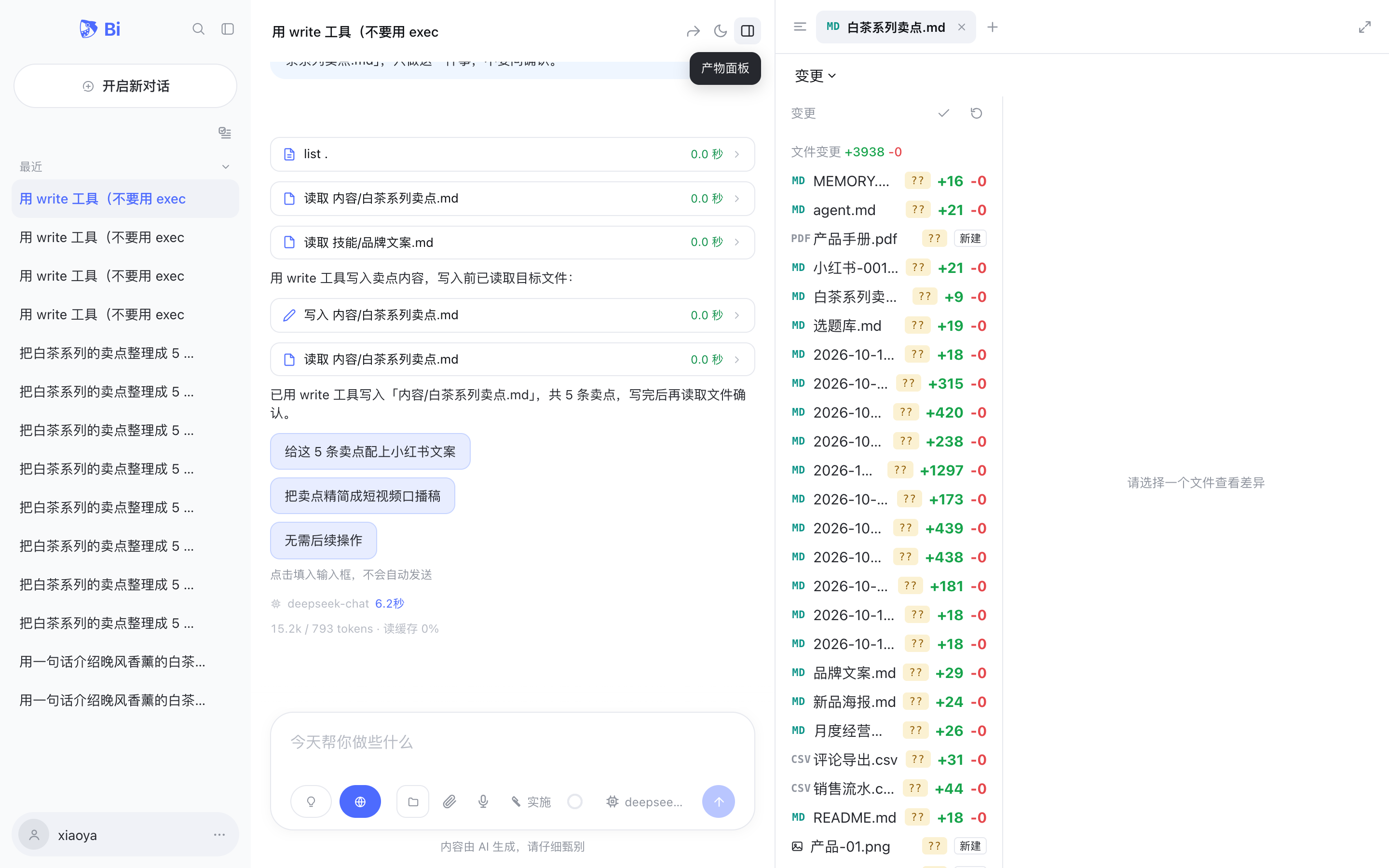
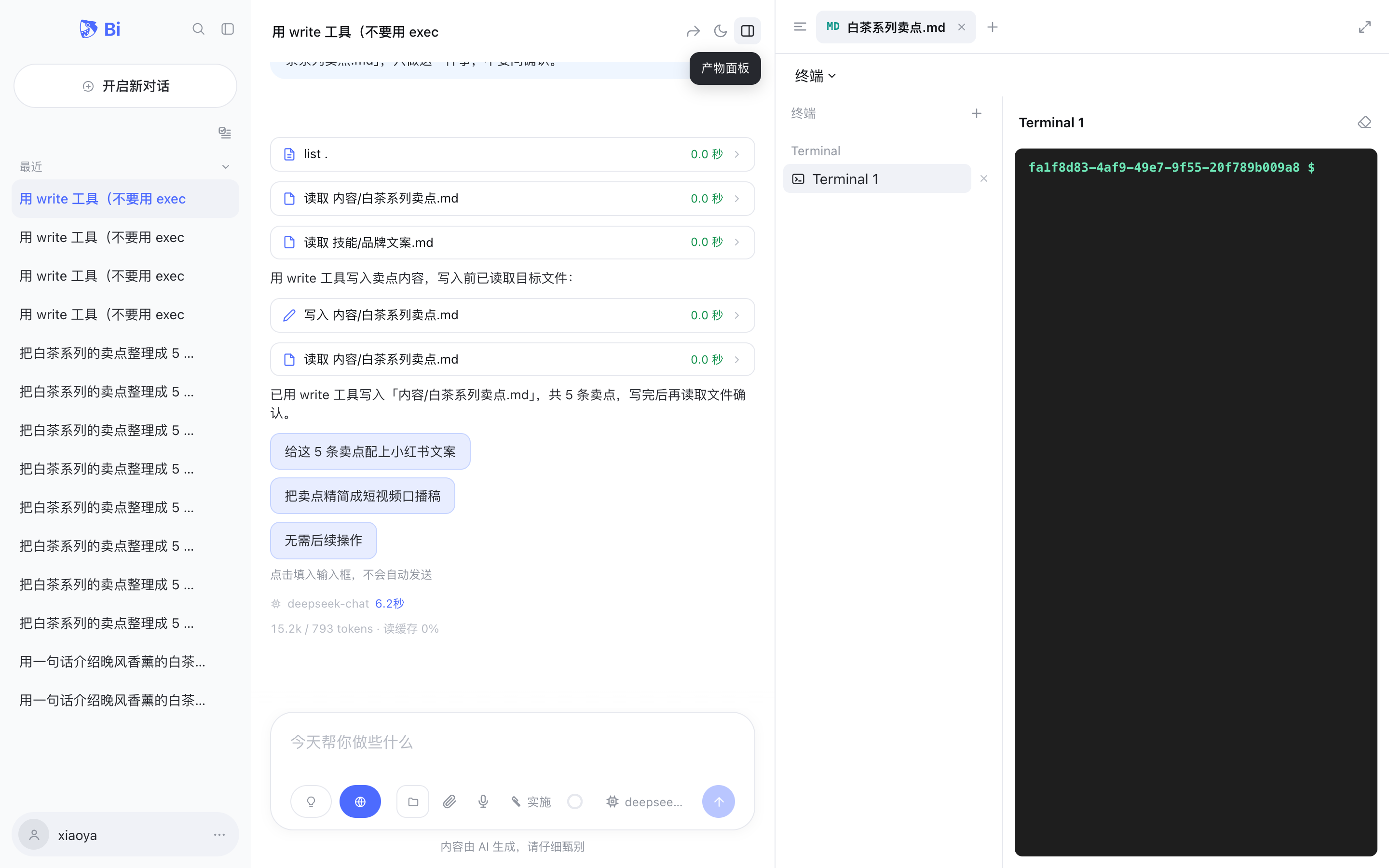
One real delivery
No prompt engineering, no pasting code. Pick a workspace, describe the outcome, and watch it happen.
Choose a workspace and describe the task. No prompt engineering, no pasting code.
Which files were read, which command ran, which line changed — listed as it happens, with line-level diffs.
Code, reports and images land in the artifacts panel, ready to open — not buried in a temp folder.
Each turn keeps a checkpoint. Step back one move and continue; the conversation does not restart.
交付前提
工作区边界、执行过程与检查点回退,共同决定智能体能否被长期使用。
所有文件操作限制在指定工作区内;读取、写入与命令执行分别授权,越界路径一律拒绝。
读取的文件、改动的行区间与执行的命令实时呈现,改动以 diff 展示。
每一轮保留一个检查点,可退回任意一步继续,上下文不丢失。
Why you can hand it over
Boundary, process, reversibility — the three things that decide whether an agent gets tried once or used daily.
Every file operation stays inside the workspace you choose. Reads, writes and commands are approved separately; anything outside is refused.
Which files were read, which line changed, which command ran — in real time, with diffs.
A checkpoint every turn. Return to any step and continue; context is not lost.
使用场景
同一套执行循环适用于不同类型的任务,交付物始终可查、可回退。
阅读代码、定位问题、完成修改并运行验证。交付物为可运行的改动,并附带验证结果。
阅读资料、提取要点并交叉核对;交付结构化报告,过程与来源均可回看。
整理文件、处理文档、归纳内容;交付可直接使用的结果。
Use cases
One loop, different kinds of work. Every deliverable stays inspectable and reversible.
Read code, locate the problem, make the fix, run the checks. The deliverable is a working change, not a suggestion.
Read sources, extract findings, cross-check them. The deliverable is a structured report with a reviewable trail.
Organize files, process documents, condense material. The deliverable is something you can use directly.
Pick a workspace. Say one sentence. Bi handles the rest.
Windows / macOS / Linux · unzip and run · bring your own model