
Read and edit code
A folder is a project. Fix issues, add features, understand unfamiliar codebases, and verify changes immediately.
v0.1.0 · Runs locally
Pick a folder and describe the task in one sentence. Bi plans and executes on its own, delivering edited code, organized documents and finished reports.
What Bi can do for you
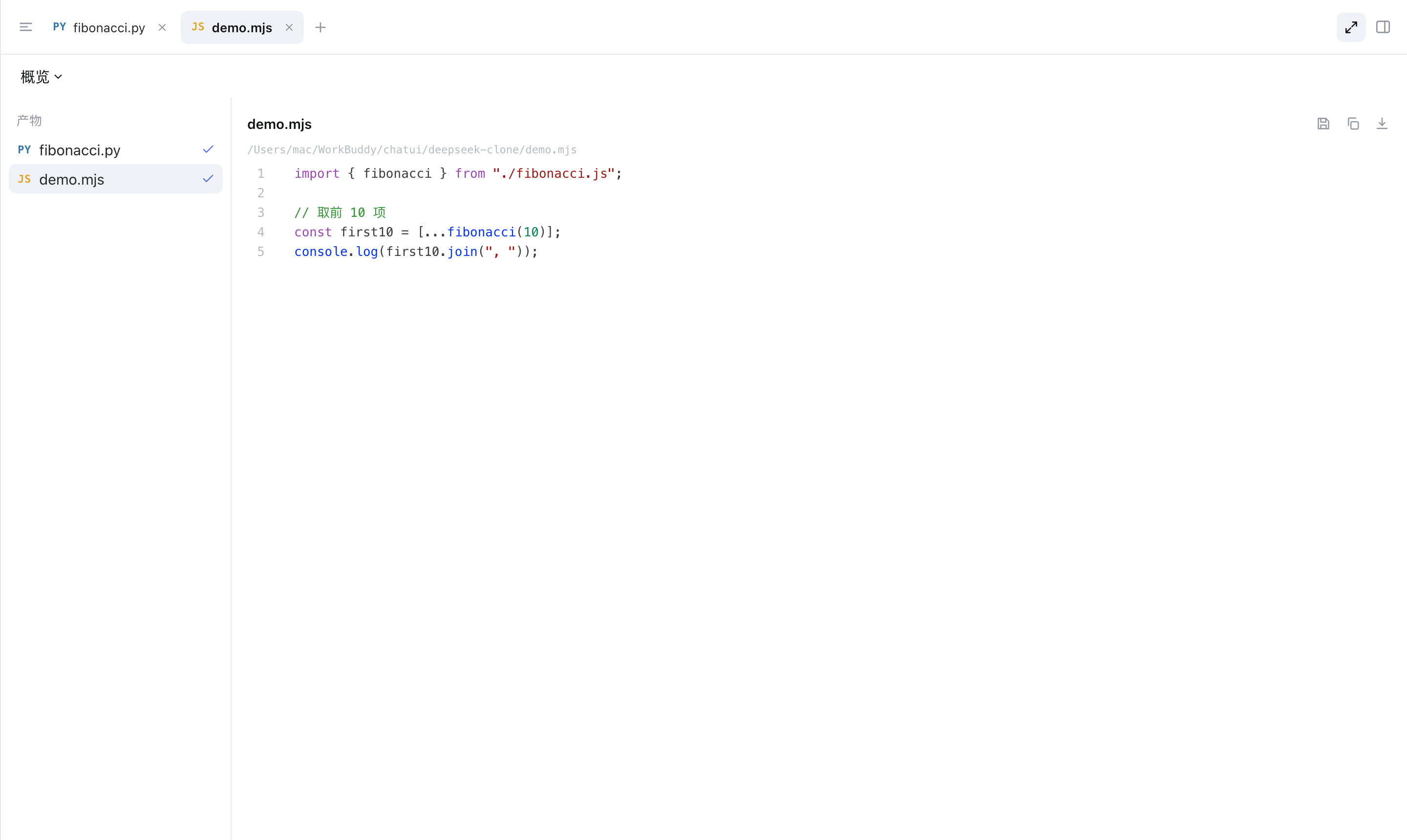
Bi works inside the folder you choose: reading and editing code, organizing documents, and searching the web. Results are delivered to you; the process stays transparent.
A folder is a project. Fix issues, add features, understand unfamiliar codebases, and verify changes immediately.
Upload PDF, Office and images for immediate preview; extract key points and generate reports.
When you need current information, it searches the web and organizes the findings.
Reads, edits and command runs are all visible in real time.
Snapshots are kept at key points, allowing you to roll back to any earlier step.
Sensitive actions require confirmation; rules and boundaries are yours to define.
Bi runs on an explicit loop: it reads context, chooses a tool, executes, and feeds results back — every step reviewable.
Runs on Windows, macOS and Linux. Windows ships a system tray; macOS and Linux start in service mode and serve the local interface.
System tray, launches in GUI mode
RecommendedService mode, open in browser
Apple Silicon & IntelService mode, open in browser
amd64 & arm64