Nothing to install, just open it
No installation required; a few well-chosen tools you can master at once.
Bi
Bi compresses the tools, boundaries and reversibility an agent needs into one minimal local kernel. Everything below ships in the current version.
No installation required; a few well-chosen tools you can master at once.
A per-turn prompt budget; stale tool results collapse into placeholders; history is summarized deterministically by turns.
Parse-based indexing of functions, classes and types — more precise than grep, and cheaper.
Images, audio, PDF and Office files preview right in the workbench, without switching windows.
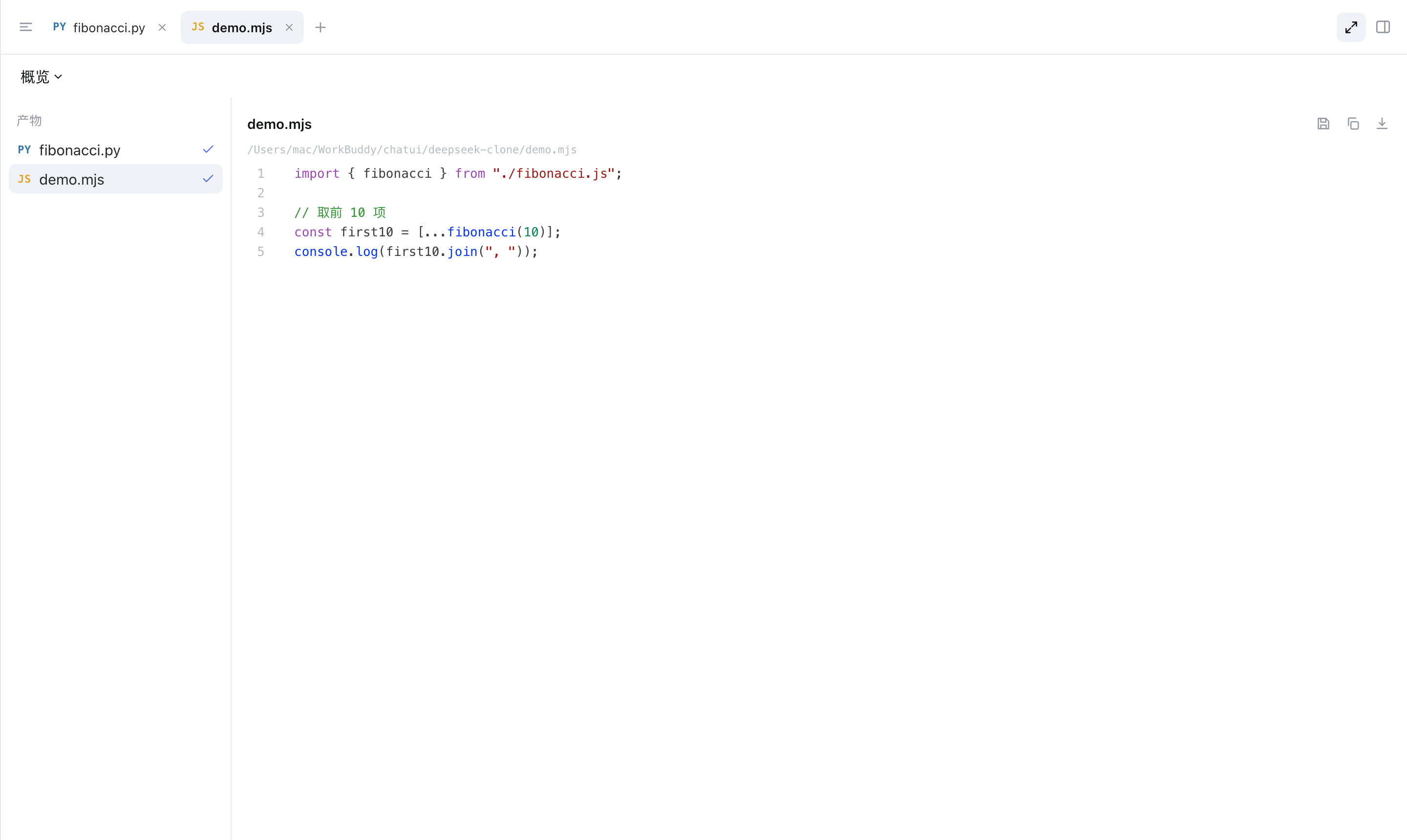
Generated images, code and reports gather in the artifacts panel, kept in one place.
The smart-search toggle drives a websearch plugin for live information.
Pick a provider per run, with automatic failover when one is unavailable.
Point at Ollama, LM Studio and more so sensitive content stays on your machine.
Long sessions summarize deterministically by turns — no LLM calls, stable and cheap.
Keeps the request prefix byte-stable so provider prompt caches keep hitting.
Reads, writes and commands are authorized separately; every call requires confirmation by default, with configurable auto-approval.
A hard gate on specific command patterns; matches reject outright, or can require approval.
A snapshot is kept each turn, letting you roll back to any step and continue.
Bi is built around an explicit loop: the model reads context, picks a tool, executes, and the result feeds back in. Permissions and checkpoints attach to every step of it.